Restocq: designing all three sides of a dental supply marketplace
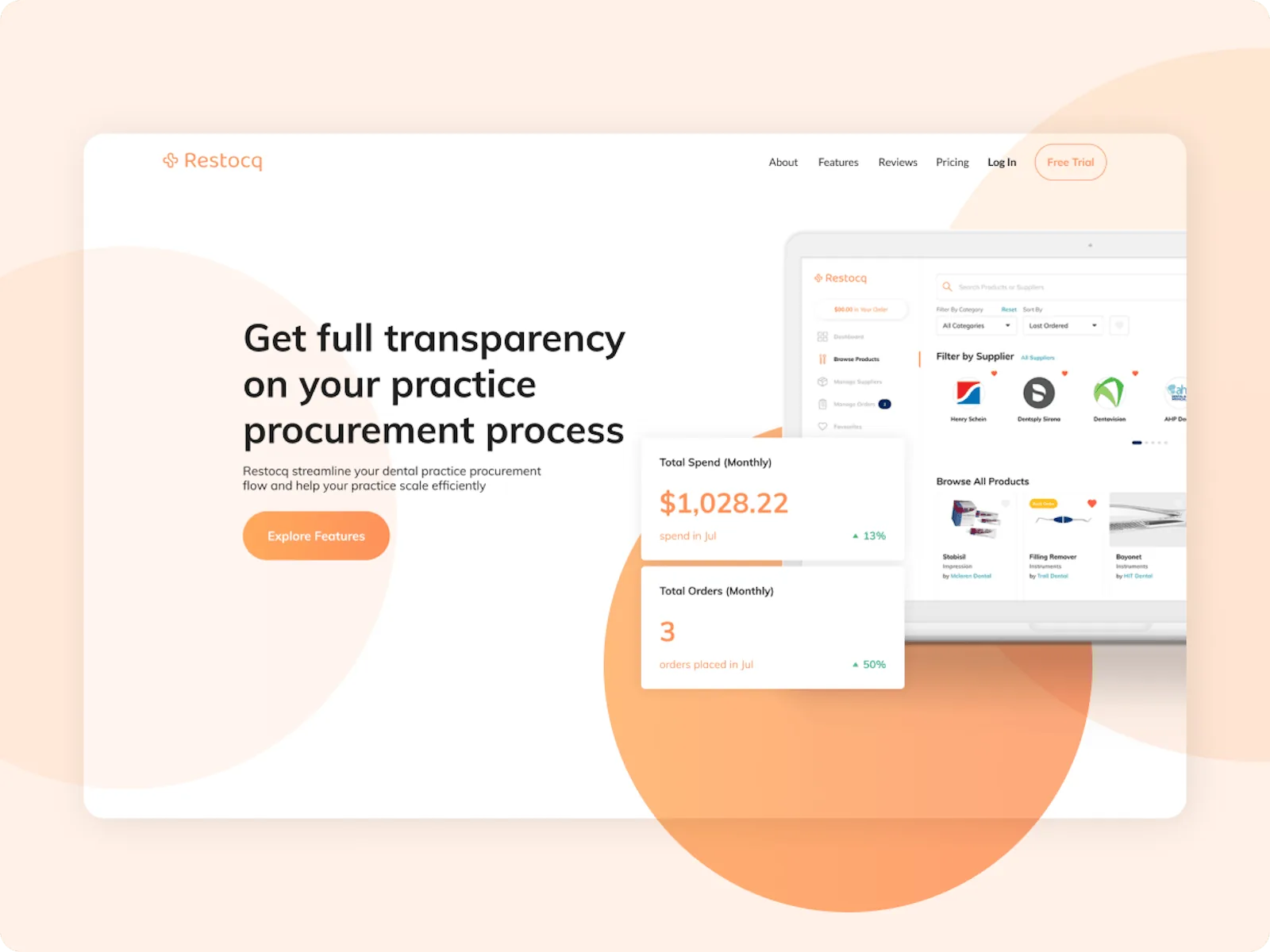
Restocq is a marketplace where dental practices order, track and budget supplies from many suppliers in one place. I designed the practice app, the tools for groups of practices and the supplier portal.
- Role
- Brand and product designer
- My focus
- UX research, Information architecture, Prototyping and UI design
- Platform
- Web
- Period
- 2021–2022
Context
Keeping a practice stocked, by email and WhatsApp
Dental practices buy from many suppliers. They ordered by email, phone calls, paper notes, SMS and WhatsApp. Usually one person did all of it, often the practice manager, head nurse or owner dentist. When they were away, nobody else could step in. Stock ran out, products expired and items went missing in the middle of procedures.
Restocq was started by two dentists who run three practices of their own and had the same problem.
Solution
Bringing ordering, budgets and stock into one place
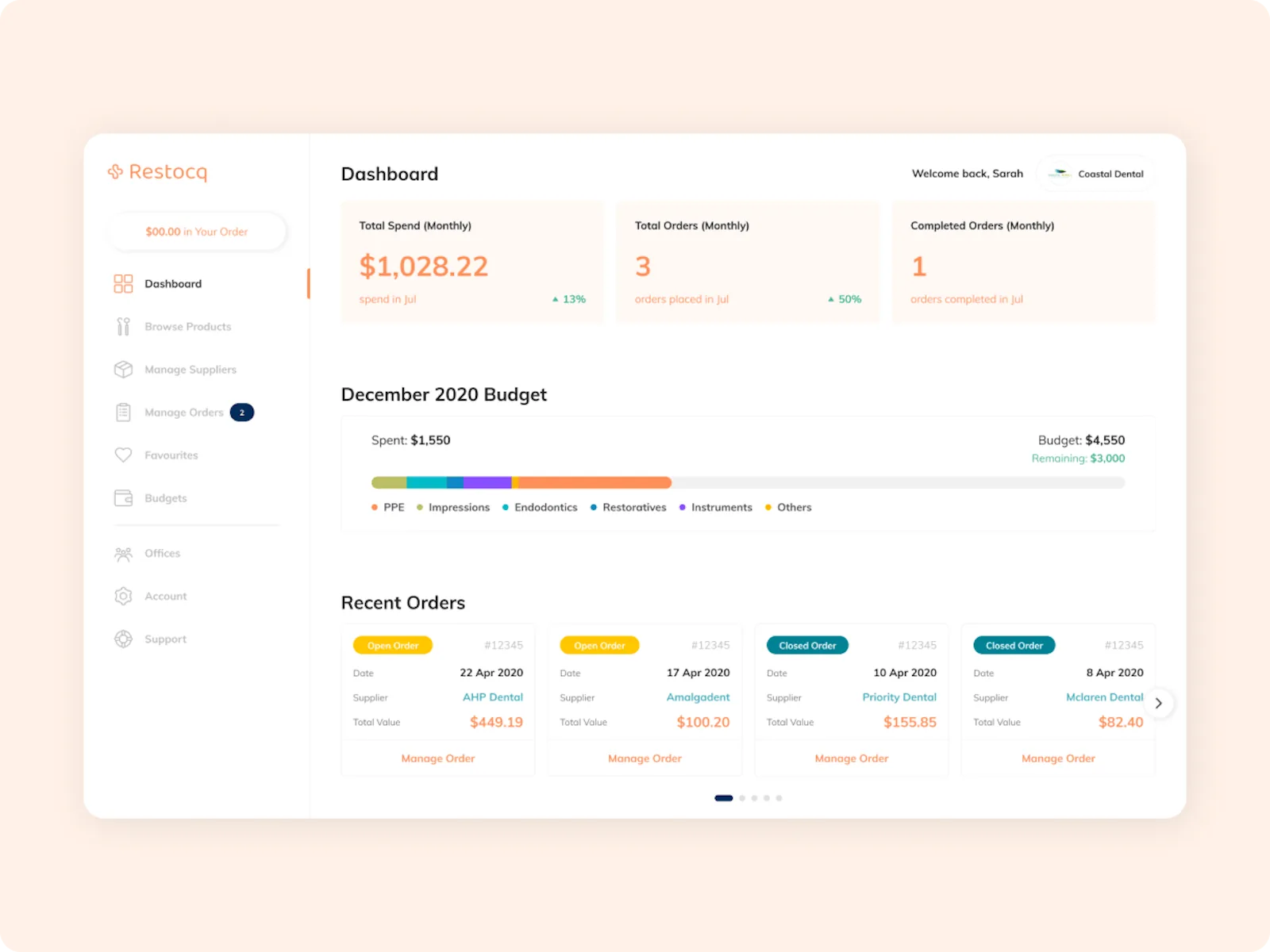
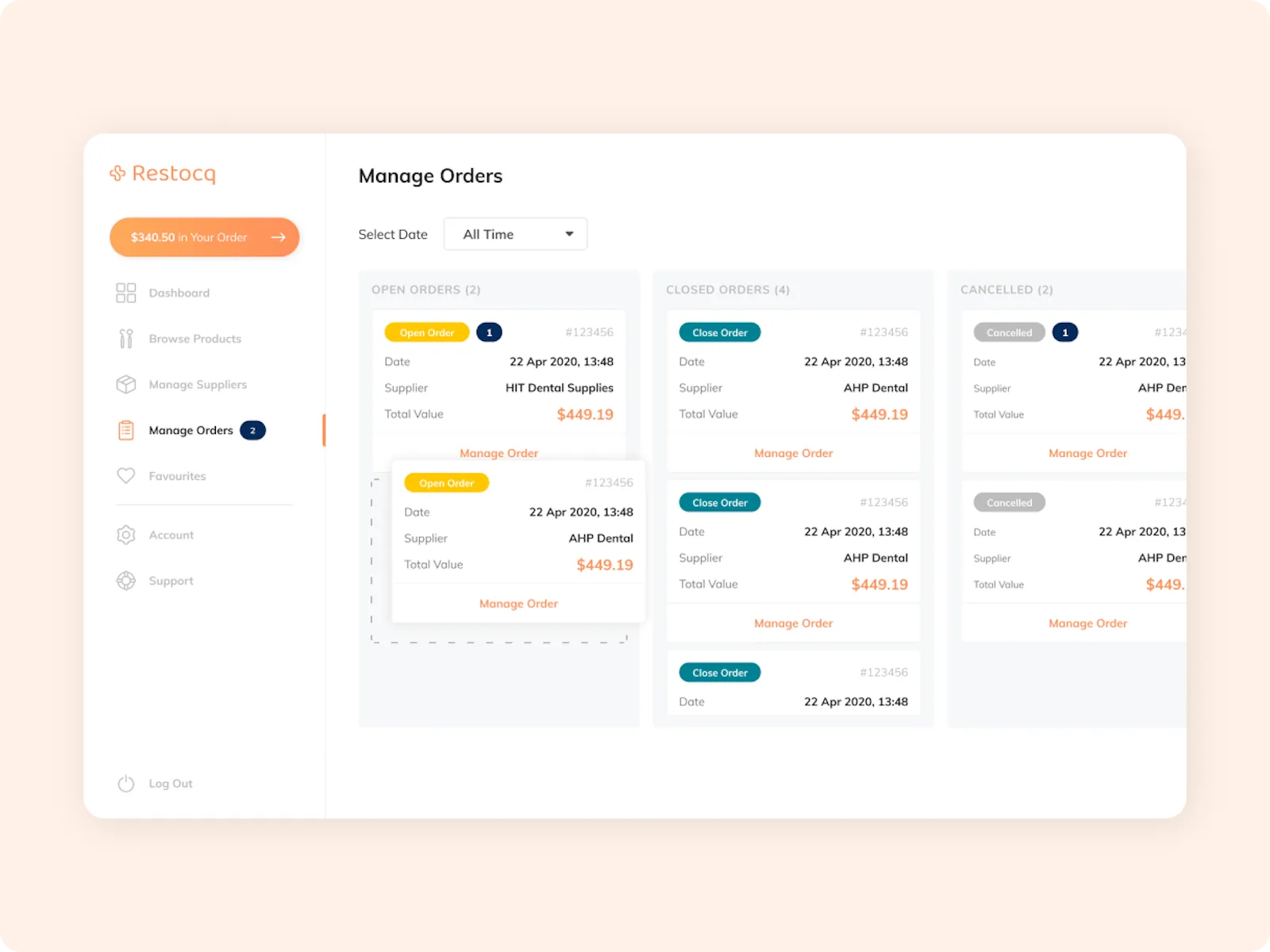
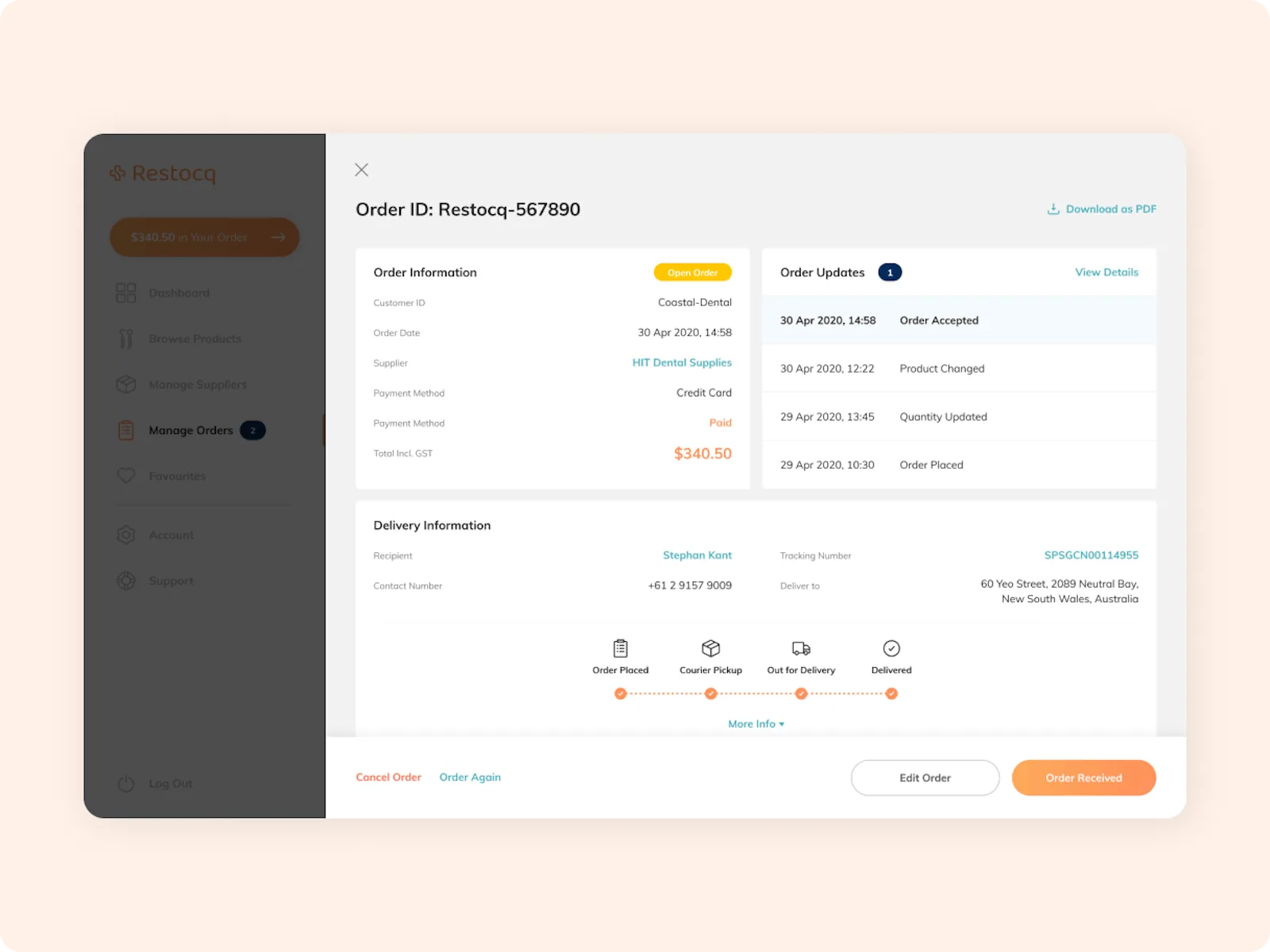
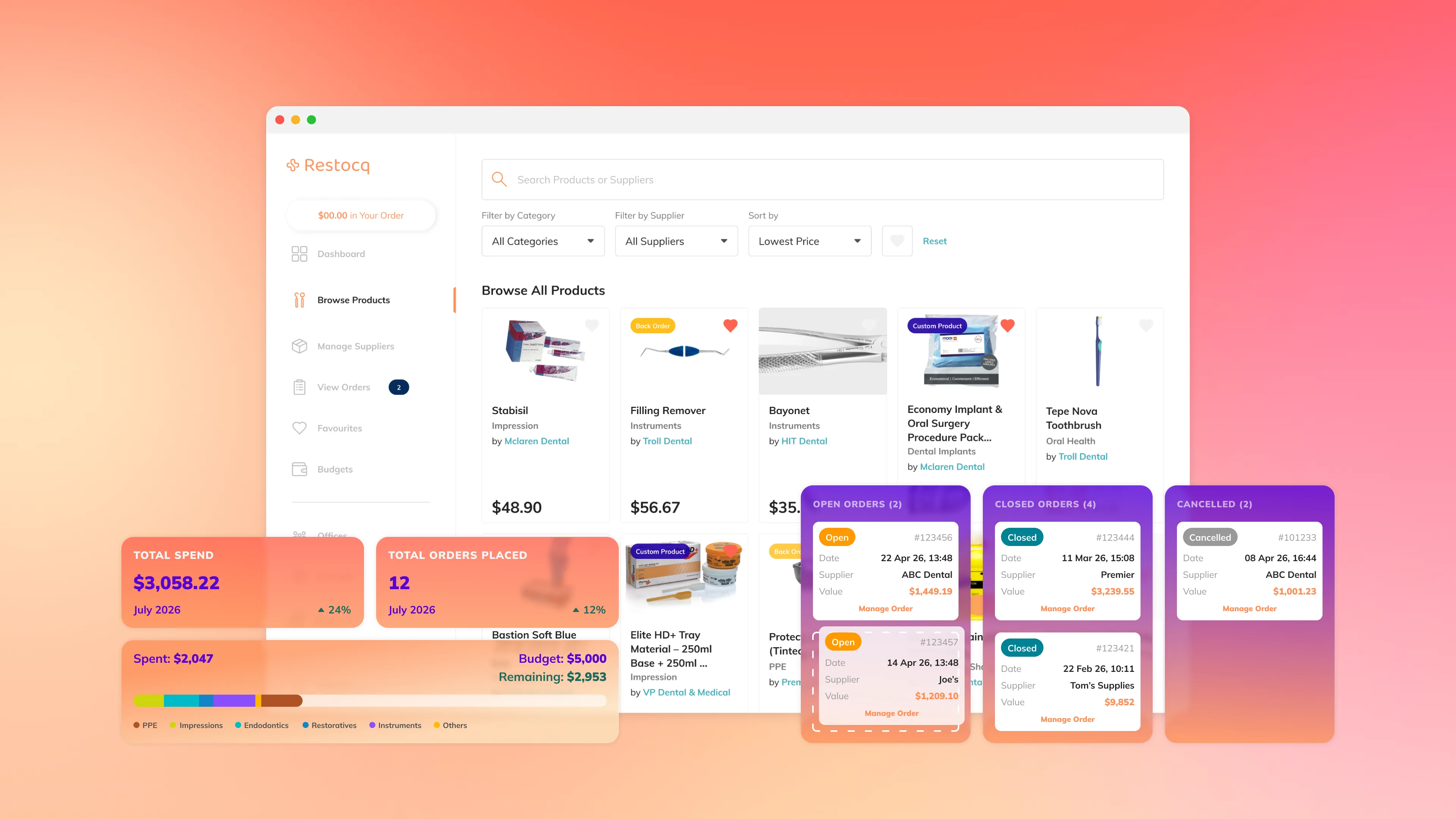
Restocq puts ordering, budgets, stock and reporting in one place. A practice browses and orders across every supplier it uses, sets a monthly budget to watch its spend against and follows what is on its way.
Above that sits a layer for practices that trade as a group, and beside it a portal of its own for suppliers.
My contribution
Designing the brand and the product
Restocq was a Soho.AI client. I designed the brand and the product, covering research, information architecture, user flows, prototypes and UI. After the design phase I worked with full-stack developers to build it.
We had limited funding and a tight timeline. I stayed in close contact with the founders to agree priorities. Anything that would cause delays stayed out of the first release.
We tested each feature twice, first on the Figma prototype and again in the beta, which caught the screens that only worked in a prototype before they shipped.
Decision 01
Letting anyone prepare an order, with one person approving it
Ordering stopped whenever the one person who handled it was away. I designed roles and approvals so any team member can build an order. The person in charge reviews it and sends it within spending limits they set. Monthly budgets, alerts and reports show the team what they are spending before they spend it.
Trade-off: Orders take one extra step to go out. In return the practice keeps running when someone is on leave.
Decision 02
Cutting what practices already had
We started with research on similar platforms around the world. Then we interviewed dentists and practice administrators. In workshops with the founders we removed anything practices already handled well with other tools. In-app chat and messaging were cut for that reason.
Trade-off: We spent the time on ordering, budgets, stock and reporting, the jobs practices had no tool for.
Decision 03
Designing for groups and suppliers too
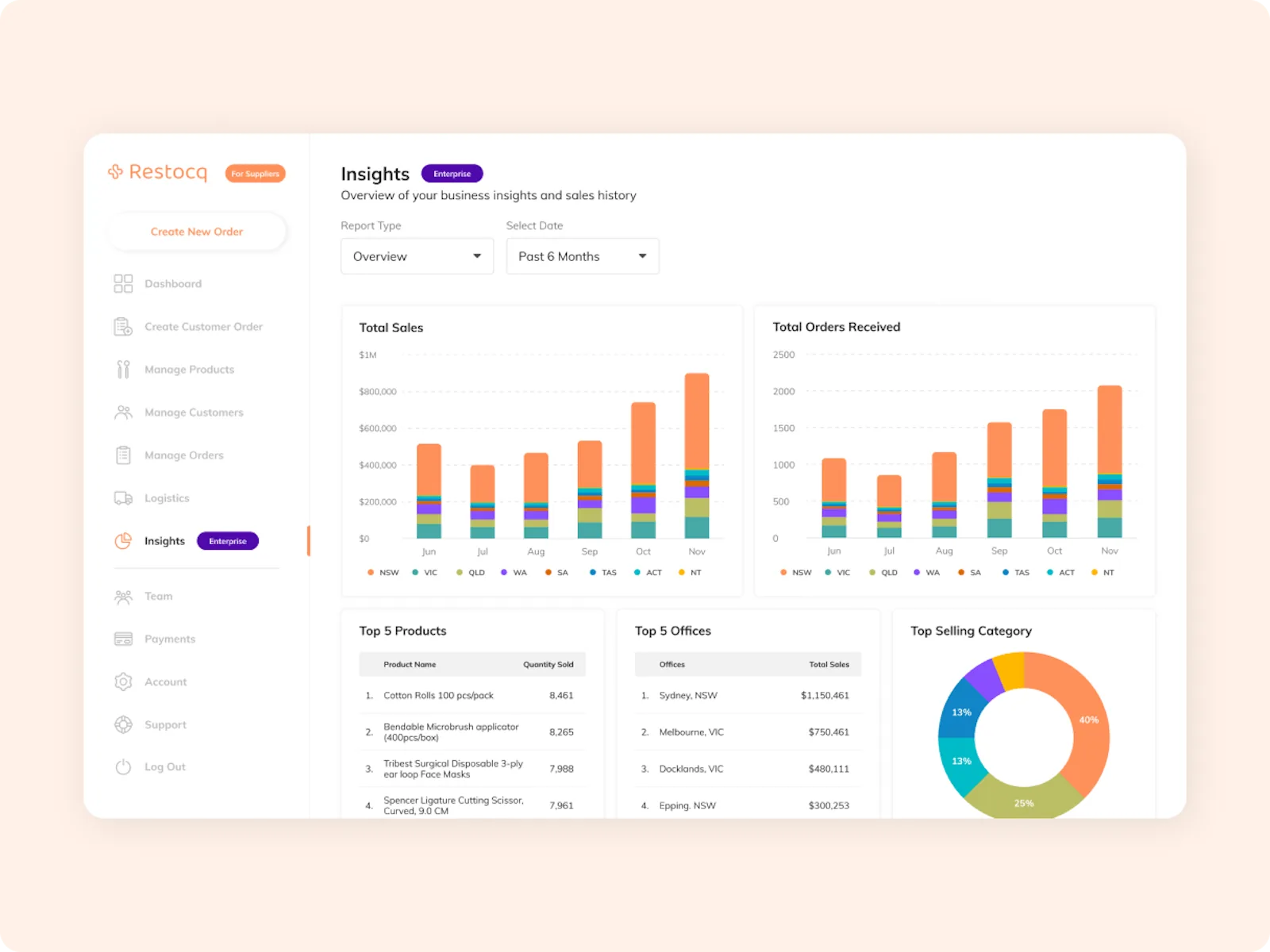
Practices that trade as a group need one view across all of them. I designed an organisation layer where an owner invites practices and puts them into groups. From there they set budgets and approve orders from every practice in one queue. On the supplier side, the portal lets suppliers manage incoming orders, set pricing for each customer, book deliveries and see sales by state and product. Sales reps can also place an order for a practice.
What it does
The product at a glance
- Browse and search across suppliers
- Favourites for quick reorders
- Budgets, alerts and spend reports
- Inventory and low-stock alerts
- Order status and delivery tracking
- Roles and approvals
- Payment flow
- Organisation layer for groups
- Supplier portal
Outcome
A better way to order, for practices and suppliers
80+
Dental practices using it
Within the first month of launch.
Still trading
The product today